Parametric facade framework for Rhino + Grasshopper
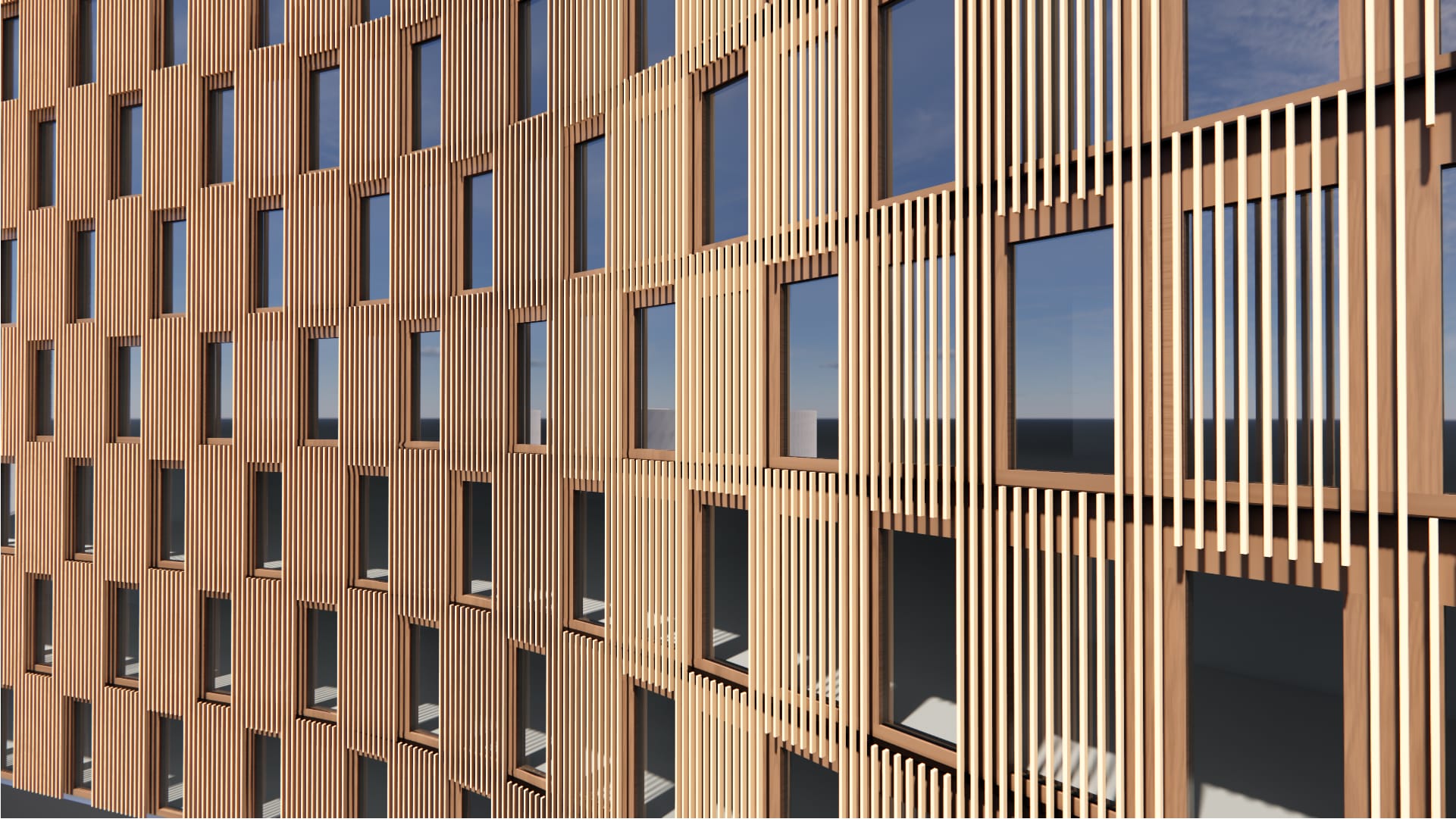
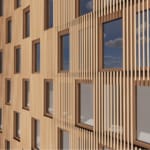
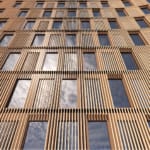
Timber Screen with Staggered Openings
An exterior screen system defined by linear timber elements. The staggered opening layout adds dynamism and texture to the exterior. The timber elements create passive shading for the primary facade.
Tags:
Screen
Staggered / Checkerboard
Sticks/Filigree
Balanced
Timber
Low WWR Capable (< 40%), Passive Shading, Design for Disassembly