Facade Library

Getting Started

Docs

Account
Logged in as: loading... Checking status...
Change Password Log Out

Back to Library

Main Facade View
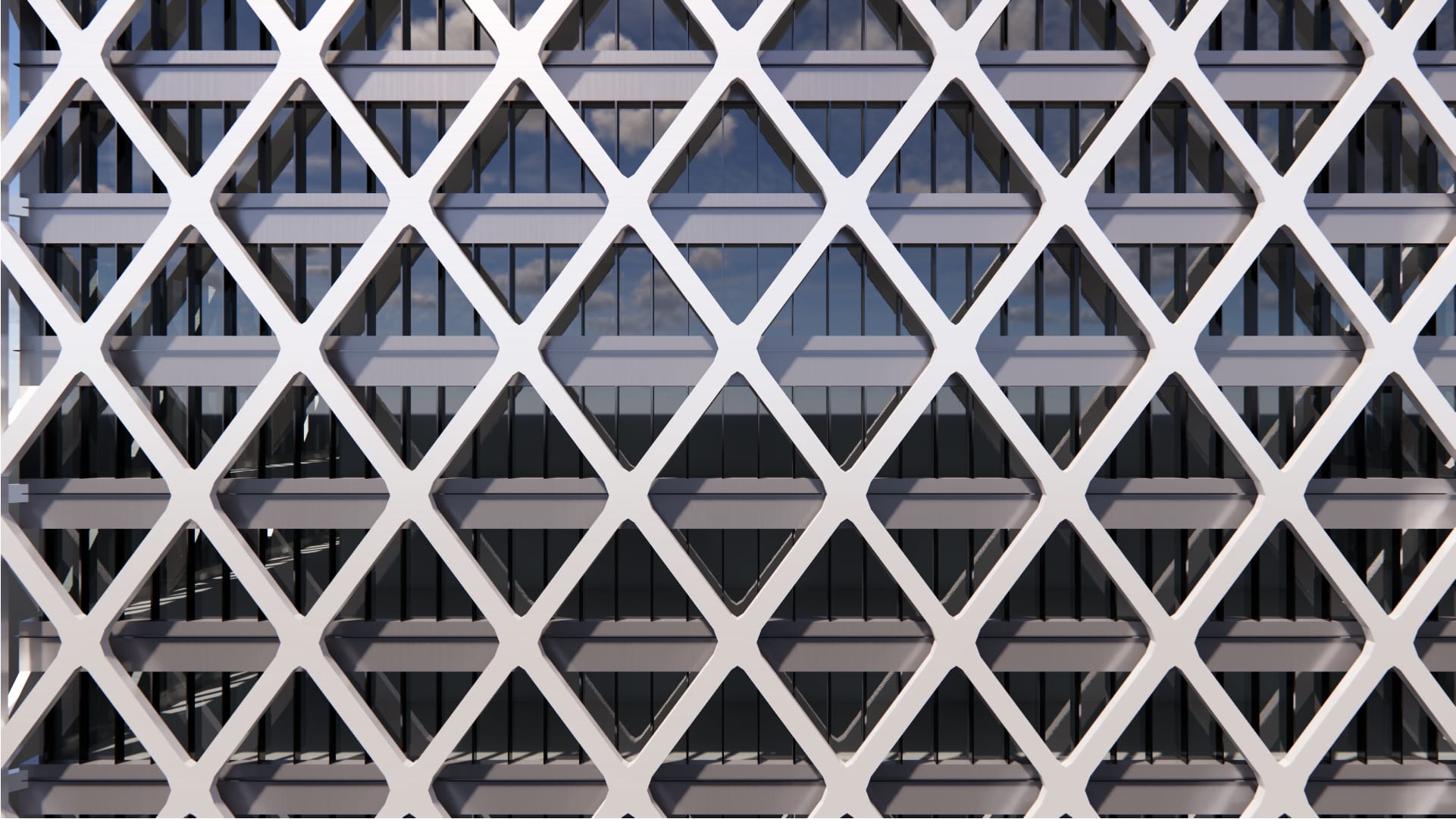
Exoskeleton Diagrid
Exoskeleton Diagrid Screen
An exterior screen system defined by structural elements arranged in a diagrid configuration.

Tags:

Screen
Diagrid
Sticks/Filigree
Balanced
Metal

Supported Inputs:

Plugins required:

Rhino Version: 

Vertical surfaces & polysurfaces

Elefront

8

Already a member? Log in to download

Already a member? Log in to download

Setup instructions:

  1. Download the .GH Framework script.

  2. Open Rhino, launch Grasshopper, and open the script.

  3. Assign the name GH_Facet Facade to the surface or polysurface you want to apply the facade to. (Under Properties: Object > Name)