Pine Fins
Parametric facade framework for Rhino + Grasshopper
Alternating Tilted Fins
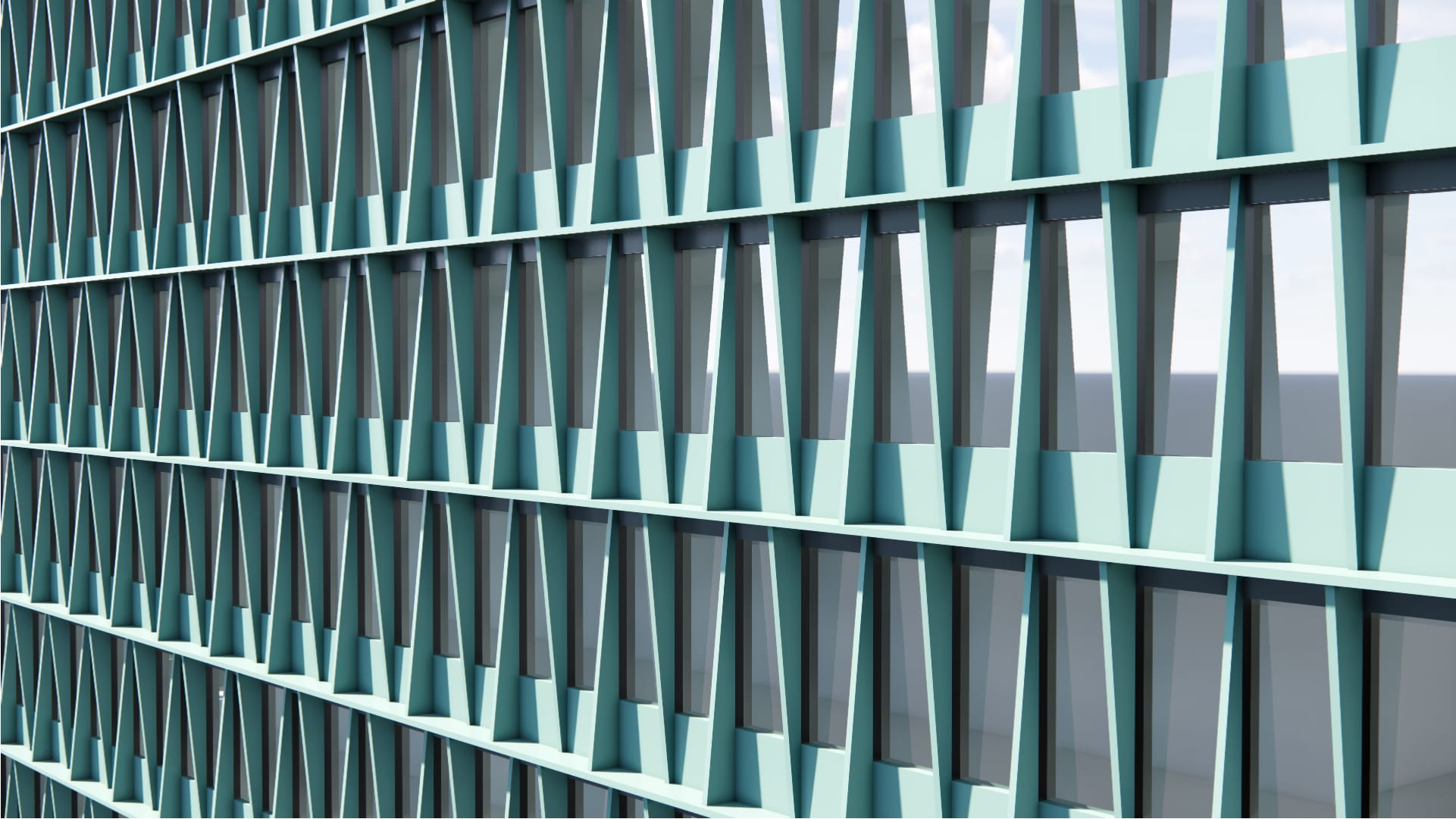
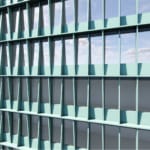
A facade based on an orthogonal grid with equally spaced fins. The deep, triangular, vertical elements alternate orientation providing building-integrated passive shading and a textured look.
Single-Skin
Orthogonal Grid
Fins
Balanced
Metal
Low WWR Capable (< 40%), Passive Shading
Vertical surfaces & polysurfaces
14-day free trial · installs via Rhino’s Package Manager.