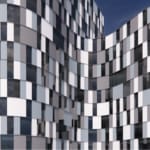
Coloured Panels
Parametric facade framework for Rhino + Grasshopper
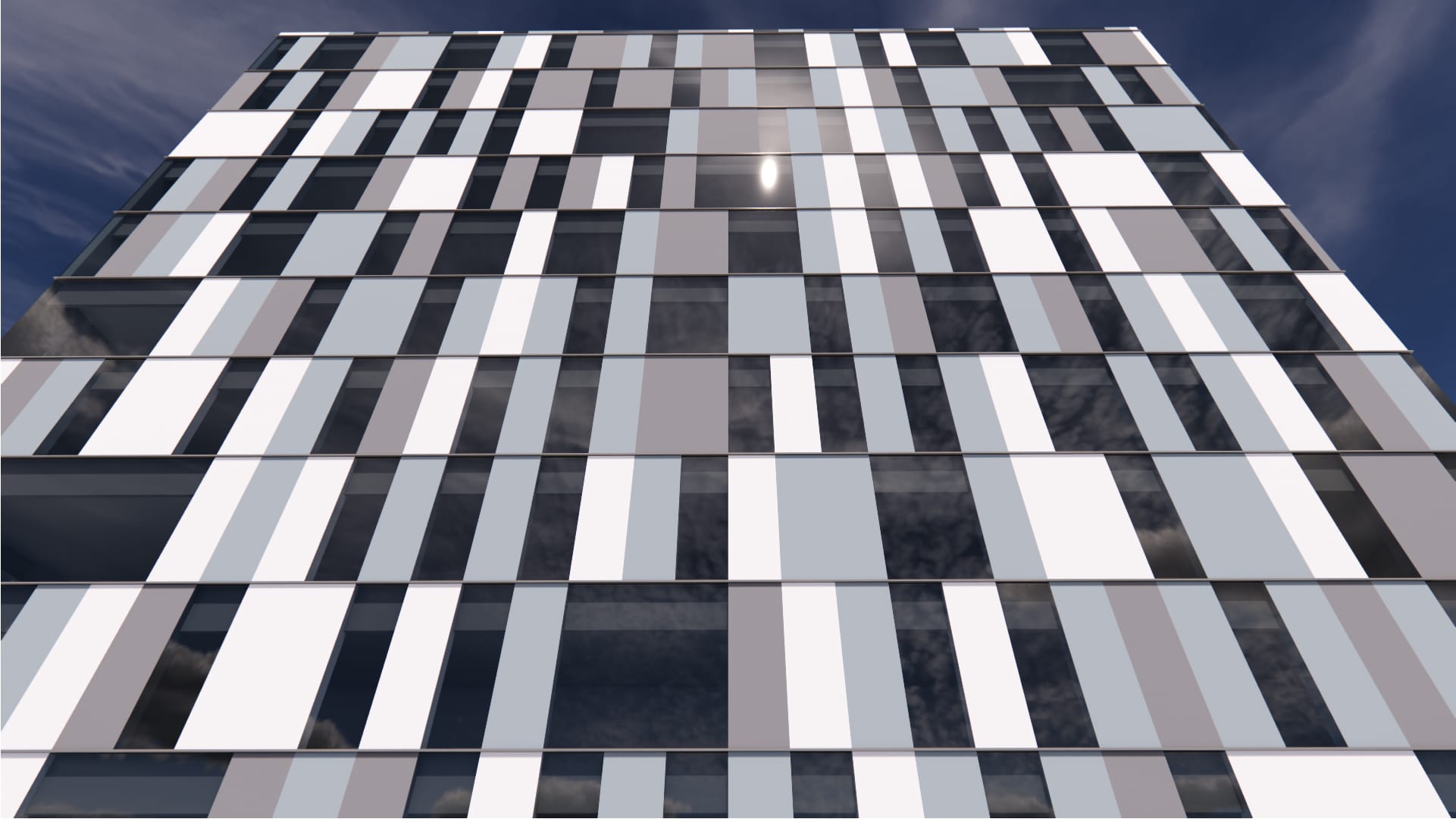
Randomized, Multi-colored Panel Grid
A single-skin facade system based on an orthogonal grid of flat panels. The framework distributes colored panel types using a randomized logic to create a textured, multi-tonal exterior. The layout maintains a low window-to-wall ratio (<40%), is ready for building-integrated photovoltaics (BIPV), and, due to its repetitive nature, inherently accommodates design for disassembly.
Single-Skin
Orthogonal Grid
Flat Panels
Vertical
Metal
Low WWR Capable (< 40%), BIPV Ready, Design for Disassembly
Vertical surfaces & polysurfaces
14-day free trial · installs via Rhino’s Package Manager.