Concave Screen
Parametric facade framework for Rhino + Grasshopper
Concave Screen
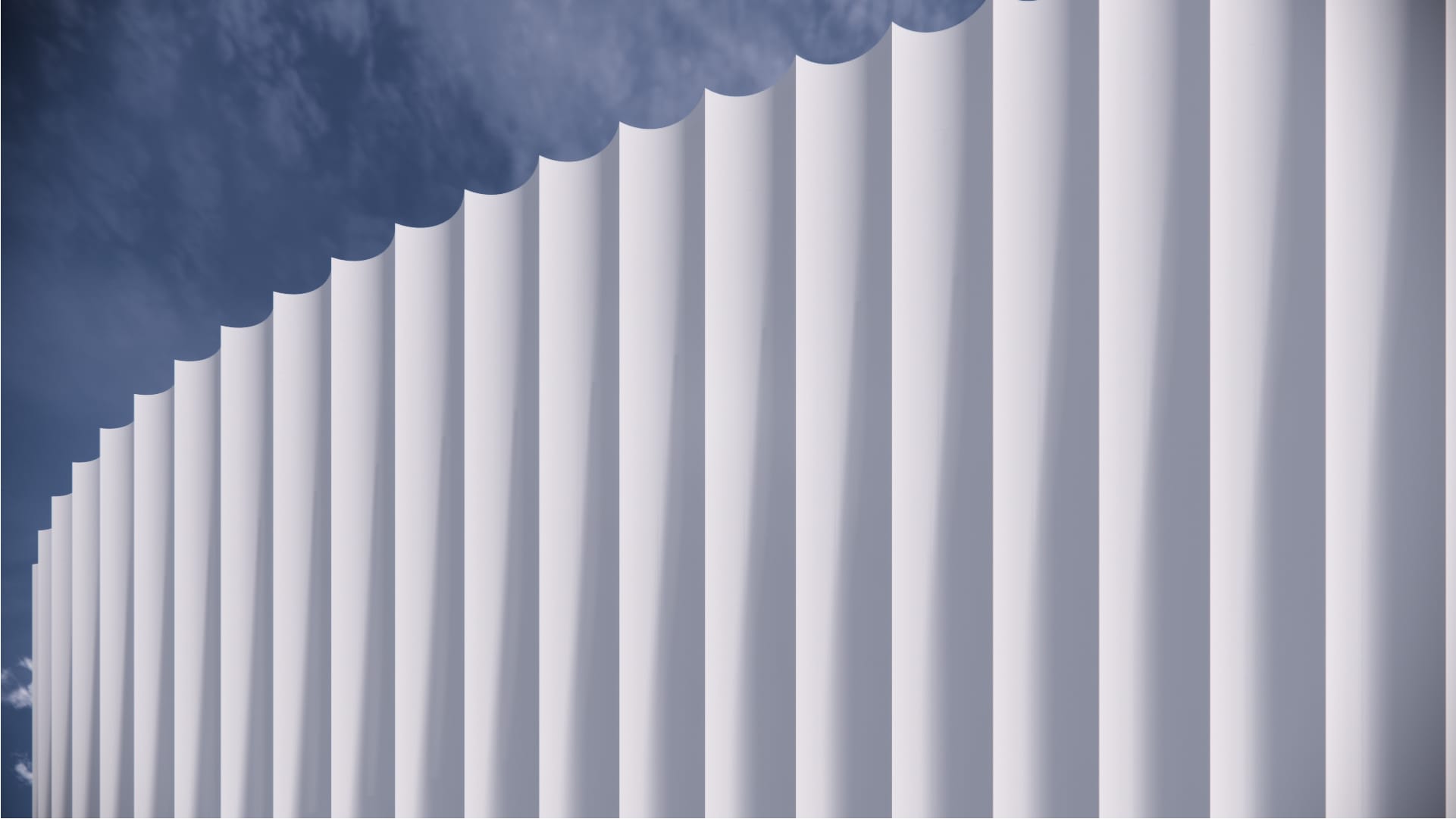
A continuous, closed screen system defined by a uniform, concave profile. The framework emphasizes vertical directionality through its fluted geometry. The screen can either cover a solid facade or be realized in a translucent material to deliver effective passive shading.
Screen, Closed
Skin/ Wrapping / Monolithic
Continuous Surface
Vertical
Metal
Low WWR Capable (< 40%), Passive Shading
Vertical surfaces & polysurfaces
14-day free trial · installs via Rhino’s Package Manager.