Facade Library

Getting Started

Docs

Account
Logged in as: loading... Checking status...
Change Password Log Out

Back to Library

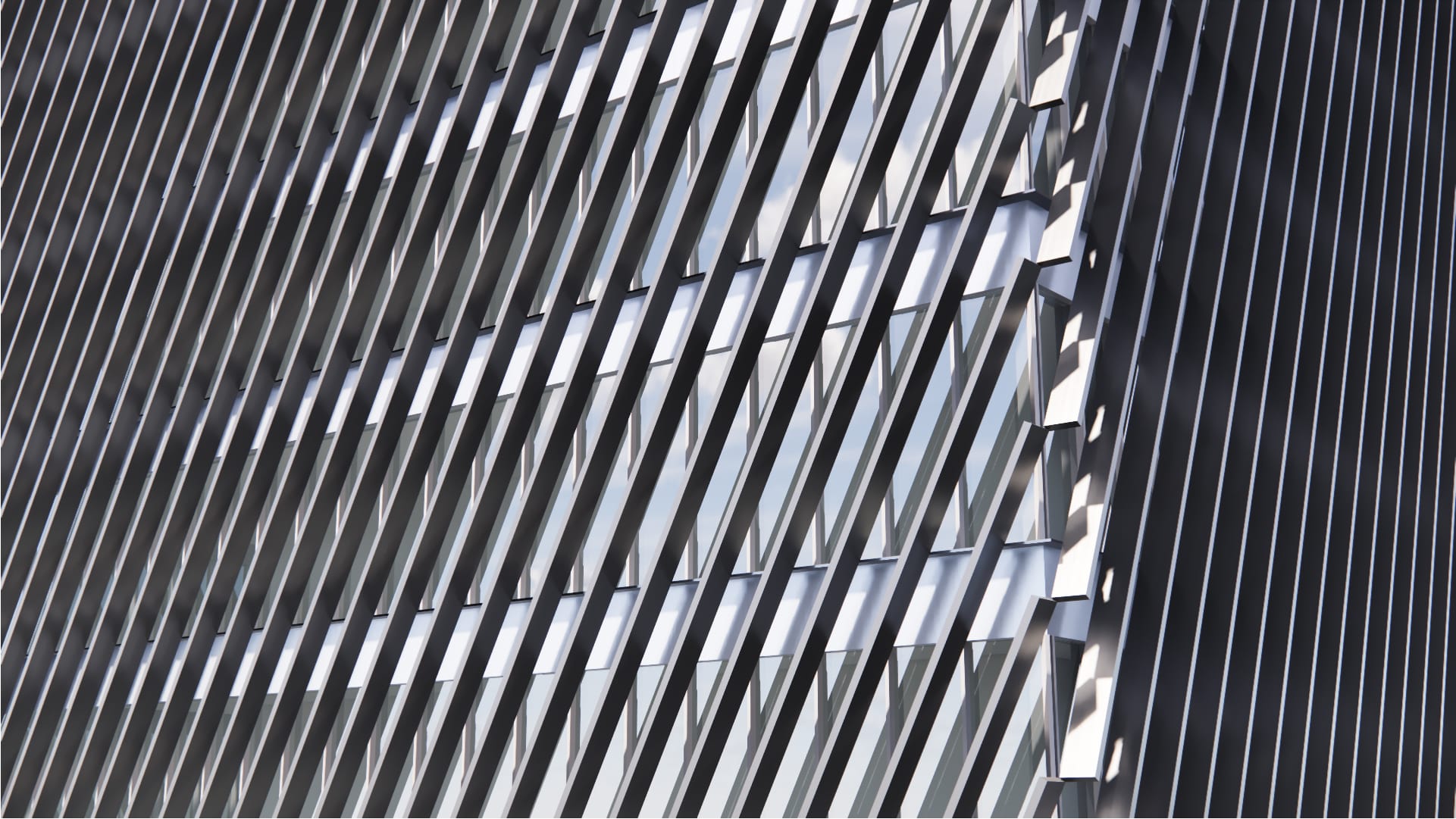
Main Facade View
Diagonal Fins
Diagonal Metal Fin Screen
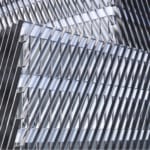
An exterior screen system made of continuous, diagonal metal fins. The diagonal elements provide passive shading for the primary envelope.

Tags:

Screen
Skin/ Wrapping / Monolithic
Fins
Balanced
Metal
Low WWR Capable (< 40%), Passive Shading

Supported Inputs:

Plugins required:

Rhino Version: 

Vertical surfaces & polysurfaces

Elefront

8

Already a member? Log in to download

Already a member? Log in to download

Setup instructions:

  1. Download the .GH Framework script.

  2. Open Rhino, launch Grasshopper, and open the script.

  3. Assign the name GH_Facet Facade to the surface or polysurface you want to apply the facade to. (Under Properties: Object > Name)